Questions for the Board/Staff
Share Questions for the Board/Staff on Facebook
Share Questions for the Board/Staff on Twitter
Share Questions for the Board/Staff on Linkedin
Email Questions for the Board/Staff link

We’d Love Your Feedback!
Do you have general questions or thoughts about the Engage MPSD portal or the MPSD.ca website?
Is the site easy to use? Can you find what you’re looking for? What would you like to see added or improved?
Please share your feedback — we’re always looking for ways to make this space better for everyone.
All comments are reviewed before posting. To keep this a safe and respectful space, comments that are inappropriate or off-topic will not be published.
RE: Utility Links, Learn 75
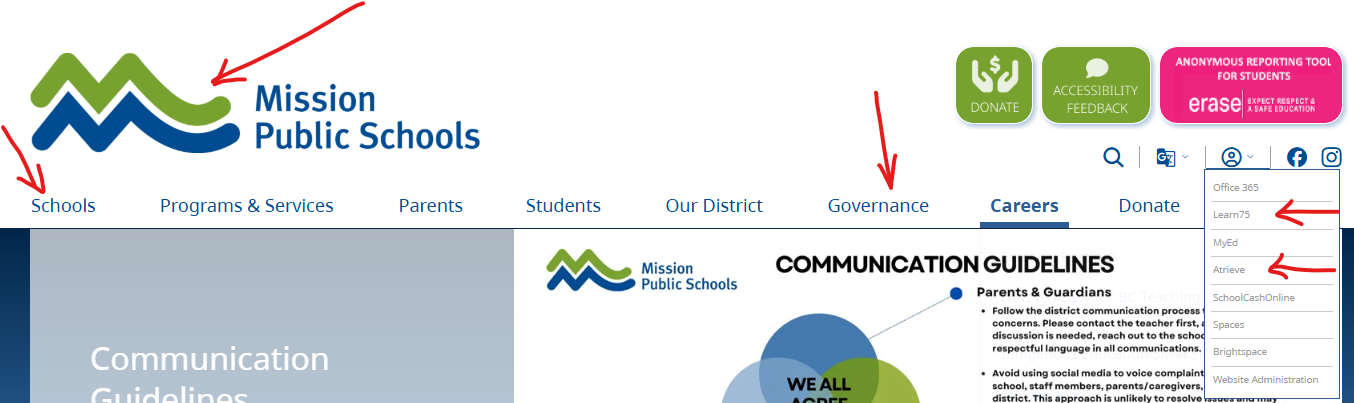
- Schools list and lookup have been updated you can test searching for your catchment schoolPolicies and Procedures are now both placed under GOVERNANCE
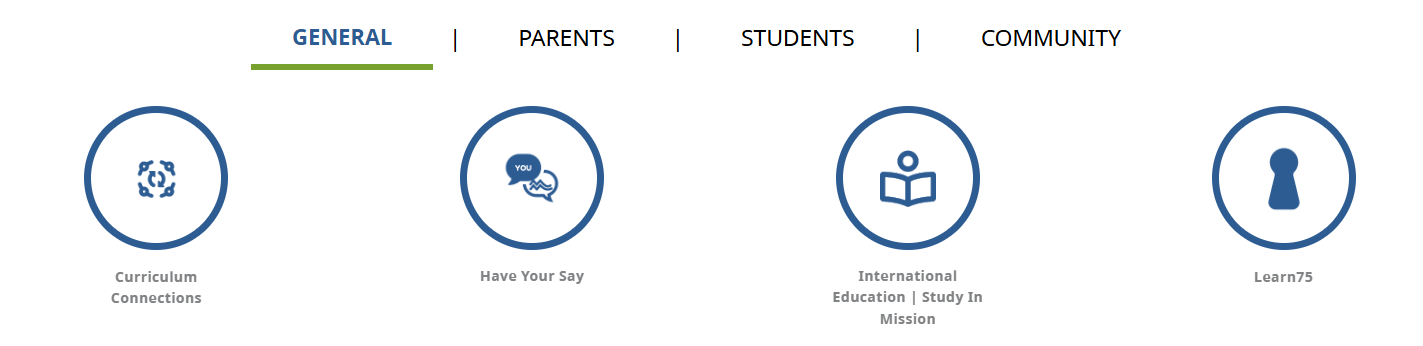
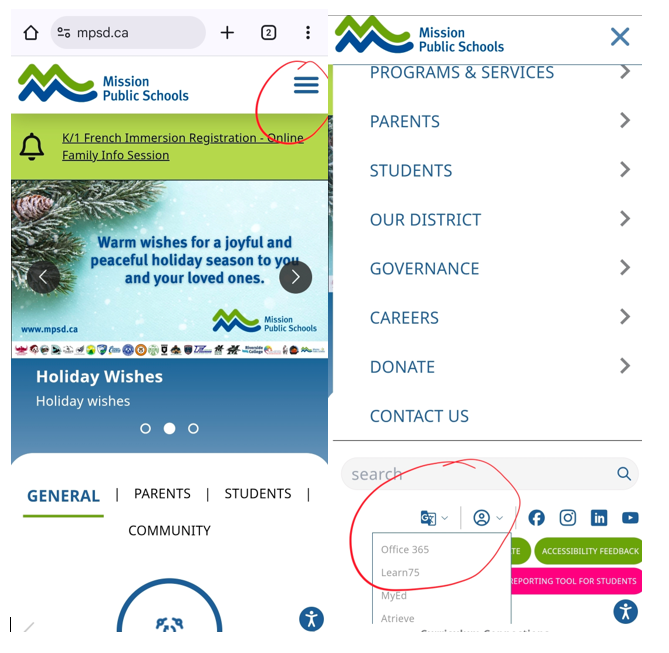
- Learn75 and Atrieve links are available under the Sign-in section, in to top right corner of your computer screen, or a Learn75 Link has been added to the General circle QUICK LINKS. For access from your mobile device, click the 3 bars “menu” at the top right corner of your screen and scroll down to the sign-in section, “person in a circle icon”.
RE: links or buttons not working: this may be due to the early time of day of the rollout. If experiencing issues, try emptying your cache. If there is some specific link not working, please let us know where.
Page last updated: 18 Dec 2025, 03:38 PM